
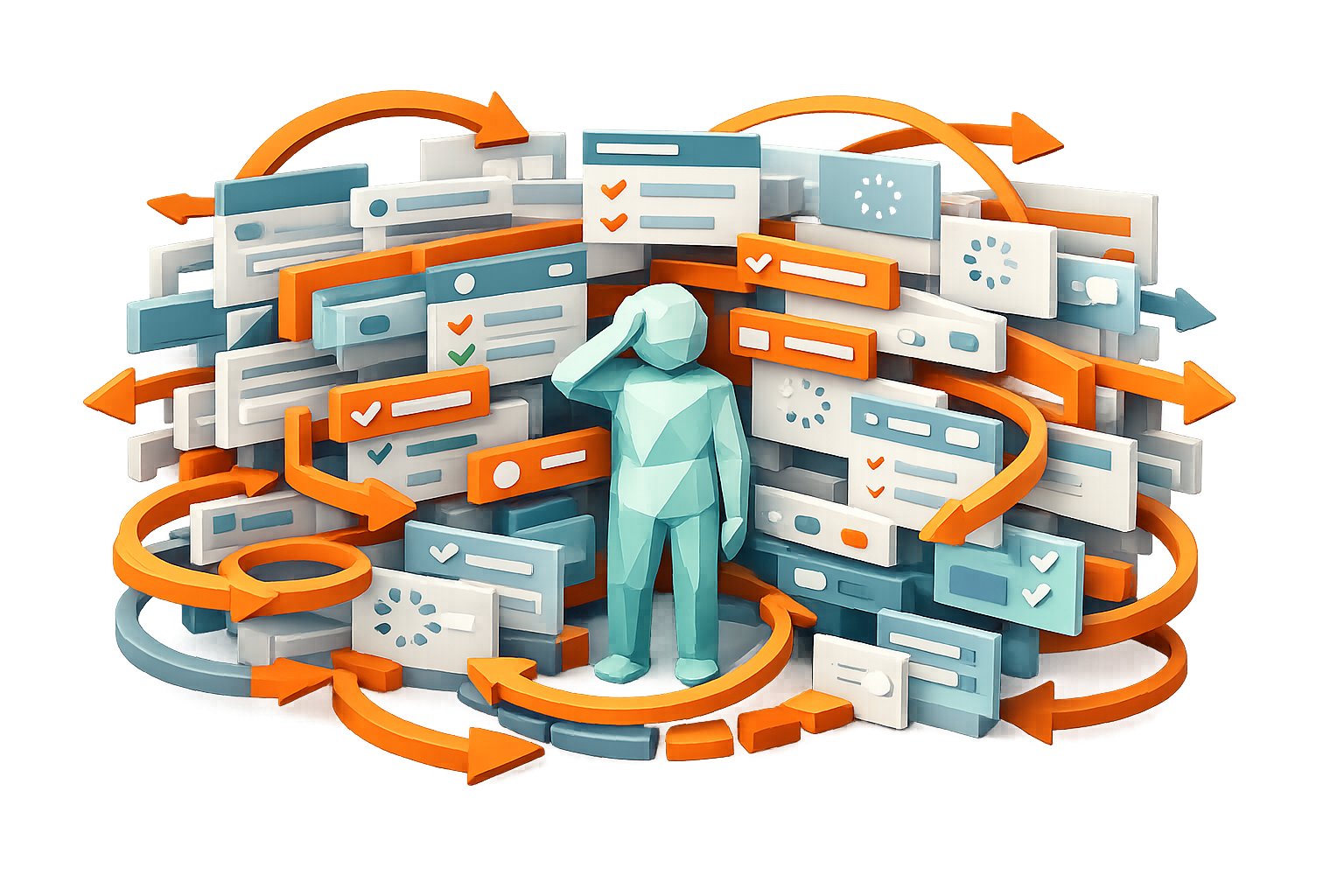
If you have to think about it, it’s probably too many.
And that’s not just an inconvenience. It’s a signal that your system may be working against your team instead of supporting them.
We were reminded of this recently in a conversation with a team transitioning from a legacy QMS. They logged in one morning to find a completely new interface. Instead of being taken directly into their system, they were met with a landing page that created an unnecessary and unwanted extra layer to navigate before being able to access what they actually needed. What used to be a direct path became a multi-step process. It took additional time, a bit of trial and error, and in some cases, a level of uncertainty just to find the same tools they had used the day before.
From a business perspective, this kind of update is understandable. Many software providers are expanding their product offerings and looking for ways to introduce those options to their customers. A centralized hub creates visibility and opens the door for cross-selling additional tools.
But from a user’s perspective, the experience is very different.
Most people are not logging into their QMS out of curiosity or interest. They are logging in because they need to complete a task. They need to review a document, acknowledge a training, document a corrective action, or prepare for an audit. These are already process-driven, detail-oriented responsibilities that require focus and time. When additional steps are introduced before a user can even begin their work, it creates unnecessary friction in a system where efficiency should be the priority.
Over time, that friction adds up.
It shows up in small delays, repeated questions, and hesitation from users who are unsure where to go. It shows up in inconsistent usage, where some processes are followed and others are bypassed because they feel too cumbersome. In more serious cases, it can impact the quality and completeness of the data being captured, which ultimately affects compliance outcomes.
This is one of the most overlooked challenges in quality management systems. Organizations often focus on functionality, ensuring that the system can technically support their processes. But functionality alone is not enough. If a system is difficult to navigate or requires too many steps to complete basic actions, it creates a barrier between the user and the process.
And that barrier matters.
The reality is that simplicity is not something that can easily be added later. Many legacy systems have evolved over time, layering new features, workflows, and interface changes on top of existing structures. While each addition may serve a purpose, the cumulative effect can make the system more complex and harder to use. At a certain point, simplifying the experience becomes significantly more difficult than maintaining it from the start.
That is why user experience needs to be treated as a core requirement, not an afterthought.
One of the most practical ways to evaluate this is by looking at the number of steps it takes to complete everyday tasks. How many clicks does it take to access a document? How many screens does a user have to move through to complete a workflow? How many handoffs are required between individuals or teams?
These are not just minor details. They directly impact how likely your team is to consistently use the system as intended.
When software is working well, it reduces effort. It shortens the distance between intention and action. It allows users to focus on the task itself rather than figuring out how to navigate the system.
When it is not, it does the opposite.
At Qlutch, we see this challenge regularly, especially from teams transitioning away from older platforms. The feedback is often consistent. Systems feel heavier over time. Navigation becomes less intuitive. And in some cases, new layers are introduced that prioritize visibility of additional products over the usability of the core system.
That trend is not just inconvenient. It is counterproductive.
Any software you invest in should be saving time, reducing effort, and making your team’s work easier. If it is adding steps, creating confusion, or requiring additional explanation just to complete basic tasks, it is worth taking a closer look.
Because in the end, it really is that simple. If it takes too many clicks to get where you need to go, your system is not making things easier. It is getting in the way. And a QMS that gets in the way is one your team will never fully use.